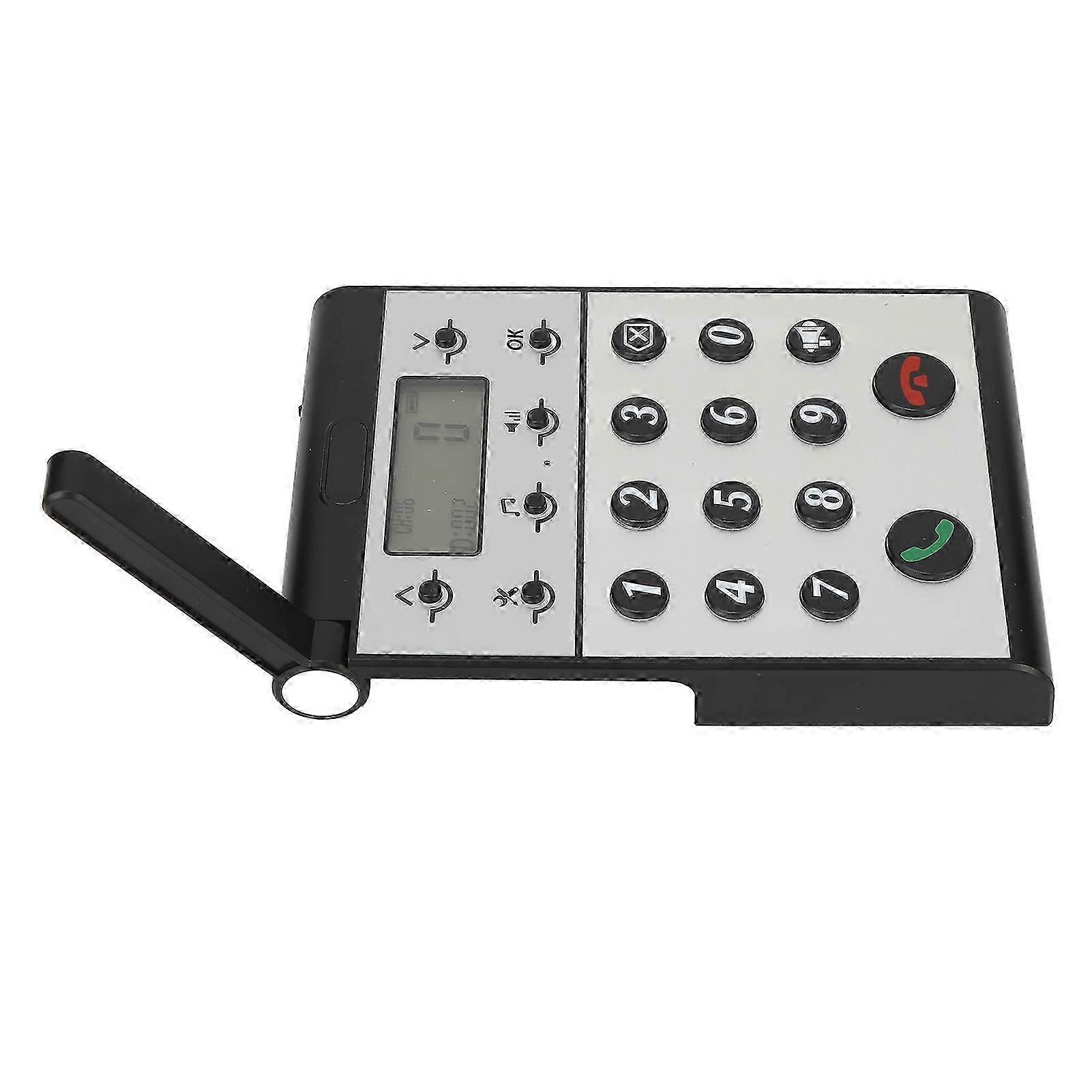
Wireless Intercom System for Home Two Way Talk 2km Range LCD Screen Group Calls Room To Room Master Intercom

574,00 kr
+ 123,99 kr Leverans

Wireless Intercom System for Home Two Way Talk 2km Range LCD Screen Group Calls Room To Room Master Intercom

  • Märke: Unbranded
Säljs av:

Wireless Intercom System for Home Two Way Talk 2km Range LCD Screen Group Calls Room To Room Master Intercom

  • Märke: Unbranded

574,00 kr

Spara 300,00 kr (34%)

RRP

874,00 kr
I lager
+ 123,99 kr Leverans

14-dagars returpolicy

Säljs av:

574,00 kr

Spara 300,00 kr (34%)

RRP

874,00 kr
I lager
+ 123,99 kr Leverans

14-dagars returpolicy

Vi erbjuder följande betalsätt

Beskrivning

Wireless Intercom System for Home Two Way Talk 2km Range LCD Screen Group Calls Room To Room Master Intercom

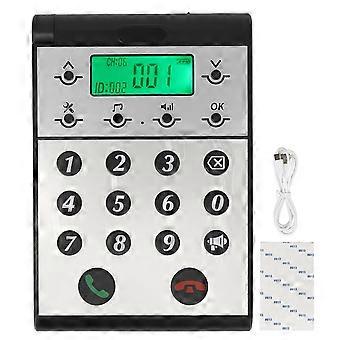
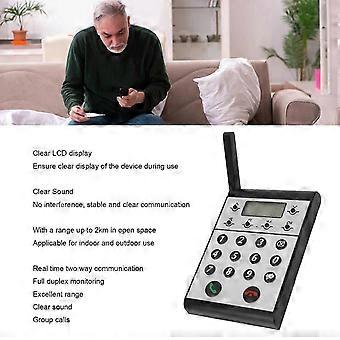
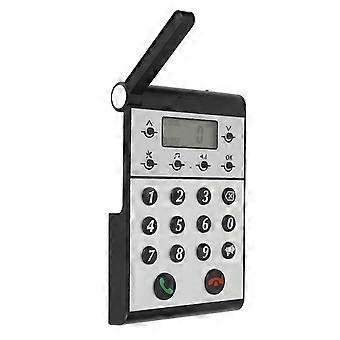
Description Wireless Intercom System for Home Two Way Talk 2km Range LCD Screen Group Calls Room To Room Master Intercom Item Type: Wireless Intercom Maerial: ABS Built in Battery: 2000mAh Lithium ion Battery Volume Level: 7 Levels Communication Distance: Up to 2km in open space Host to Host Intercom: All hosts can call each other Host to Sub intercom: Host can call sub intercoms How e Step One: Setting the ID Number for the Host 1. Press and hold the Settings key for 3 seconds until a beep is heard. 2. The screen will display 1. 3. Press the OK key and ID: 999 will begin to flash. 4. Use the keypad to input the desired ID number (0 is between 1 and 998). 5. Press OK to confirm and an audible dudu sound will indicate that the ID number has been set successfully. Step Two: Setting the Same Channel CH for the Host 1. Press and hold the Settings key for 3 seconds until a beep is heard. 2. Press the upward arrow key ^ once and the screen will switch from 1 to 2. 3. Press OK and CH: 01 will begin to flash. 4. Use the upward or downward v arrow key to adjust the channel CH, selecting a channel number between 01-20. 5. Press OK to confirm and an audible dudu sound will indicate that the channel CH has been set successfully. Step Three: Setting the Same Password for the Host 1. Press and hold the Settings key for 3 seconds until a beep is heard. 2. Press the upward arrow key ^ once more and the screen will switch from 1 to 3. 3. Press OK and 000 will begin to flash. 4. Use the keypad to input the desired password, a three-digit number between 001-999. 5. Press OK to confirm and an audible dudu sound will indicate that the password has been set successfully.
  • Fruugo-ID: 408645431-865767100
  • EAN: 8936090420966

Produktsäkerhetsinformation

Se produktsäkerhetsinformationen som är specifik för denna produkt som beskrivs nedan

Följande information tillhandahålls av den oberoende tredjepartsåterförsäljaren som säljer denna produkt.

Produktsäkerhetsetiketter

CE Mark
Säkerhetsvarningar: WARNING! NOT TO BE EXPOSED TO INFANTS AND CHILDREN, MAY CAUSE CHOKING!
Ingredienser: Octinoxate 6.5%

Leverans och returer

Skickas inom 24 timmar

  • STANDARD: 123,99 kr - Leverans mellan kl ons 24 december 2025–ons 31 december 2025

Leverans från Kina.

Vi gör vårt bästa för att säkerställa att produkterna du beställer levereras kompletta och enligt dina specifikationer. Om du däremot skulle ta emot en ofullständig beställning, eller andra artiklar än de du beställt, eller om det finns någon annan anledning till att du inte är nöjd med din beställning, kan du returnera beställningen, eller valfria produkter som ingår i beställningen, och få fullständig ersättning för artiklarna. Visa fullständig returpolicy