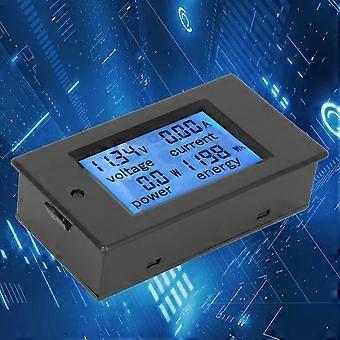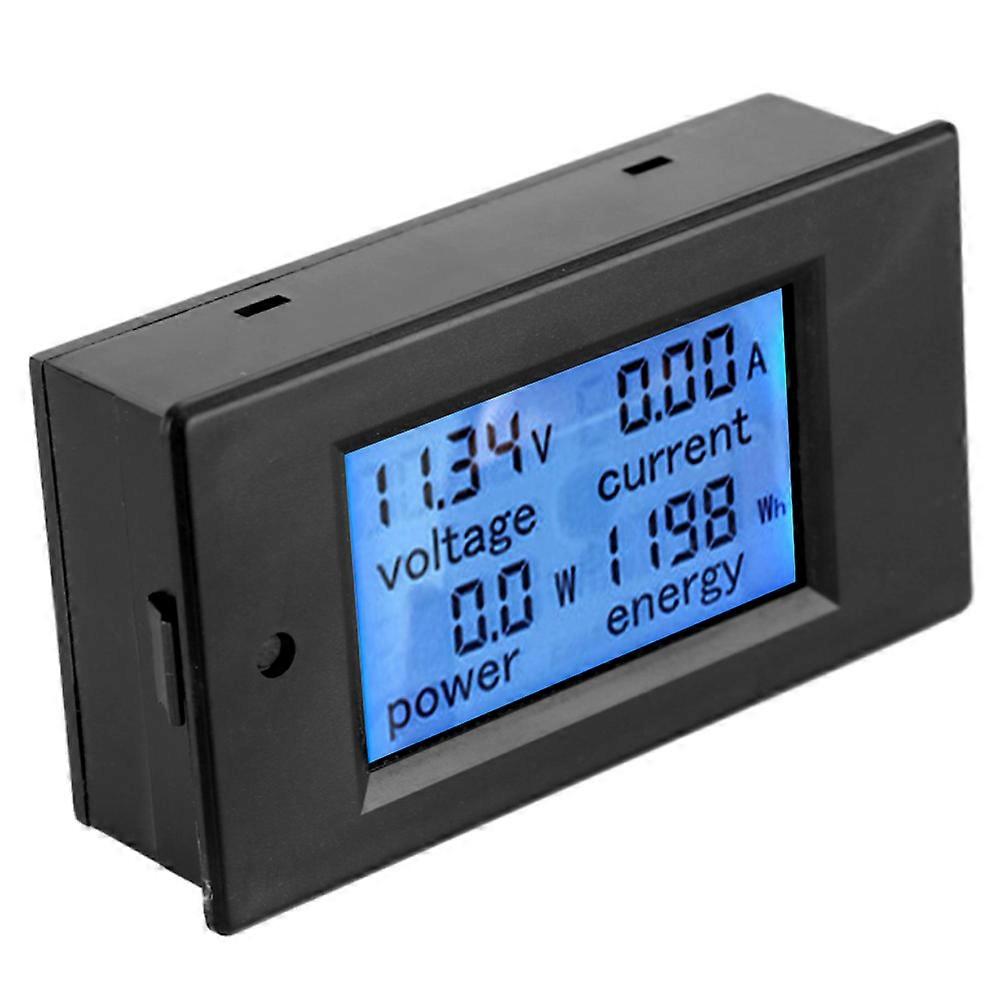
TSPZEM‑031 Voltmeter Ammeter DC Multi‑Function Digital Display LCD Current Meter Tester Detector

189,00 kr
+ 31,49 kr Leverans

TSPZEM‑031 Voltmeter Ammeter DC Multi‑Function Digital Display LCD Current Meter Tester Detector

  • Märke: Unbranded
Säljs av:

TSPZEM‑031 Voltmeter Ammeter DC Multi‑Function Digital Display LCD Current Meter Tester Detector

  • Märke: Unbranded

189,00 kr

Spara 80,00 kr (29%)

RRP

269,00 kr
I lager
+ 31,49 kr Leverans
Säljs av:

189,00 kr

Spara 80,00 kr (29%)

RRP

269,00 kr
I lager
+ 31,49 kr Leverans

Vi erbjuder följande betalsätt

Beskrivning

TSPZEM‑031 Voltmeter Ammeter DC Multi‑Function Digital Display LCD Current Meter Tester Detector

TSPZEM‑031 Voltmeter Ammeter DC Multi‑Function Digital Display LCD Current Meter Tester Detector Condition: Material: ABSWorking Voltage: 6.5~100VDC Rated Power: 20A / 2000W Measurement Accuracy: Level 1.0 Display and Button Display Interface:The large LCD screen displays the voltage, current, power and power parameters simultaneously. Display Format: 1. Power: Test range 0~2kW The display format within 1kW is 0.0~999.9W; The display format above 1kW is 1000~2000W. 2. Electricity: Test range 0~9999kWh The display format within 10kWh is 0~9999Wh; The display format above 10kWh is 10~9999kWh; Display format 6.50~99.99V 4. Current: Test range 0~20A The display format is 0.00~20.00 Button: 1. Control of the backlight The backlight can be turned on or off by short pressing the button, and the poor light state is automatically saved when the power is turned off. 2. Reset the battery Step 1: Press and hold the button until the ''CLr'' character is displayed in the power display area, and then release the button; Step 2: At this time, the battery flashes to indicate that the battery is currently reset. If you press the button again for a short time, the power data is cleared and reseted and flashing; Step 3: If there is no pressing operation within 5 seconds, it means that the power data is not reseted and exits the reset state. Step 1: Press and hold the button until the ''SET'' character is displayed in the power display area, and then release the button; Step 3: After setting, press and hold the button until the screen displays ''PASS'' character to indicate that the setting is successful and automatically exits the setting state.
  • Fruugo-ID: 406073870-860903633
  • EAN: 8131328904304

Leverans och returer

Skickas inom 24 timmar

  • STANDARD: 31,49 kr - Leverans mellan kl fre 12 december 2025–mån 22 december 2025

Leverans från Kina.

Vi gör vårt bästa för att säkerställa att produkterna du beställer levereras kompletta och enligt dina specifikationer. Om du däremot skulle ta emot en ofullständig beställning, eller andra artiklar än de du beställt, eller om det finns någon annan anledning till att du inte är nöjd med din beställning, kan du returnera beställningen, eller valfria produkter som ingår i beställningen, och få fullständig ersättning för artiklarna. Visa fullständig returpolicy